



Tonyspins App
The Tonyspins app runs in your browser and opens in seconds on any device you already own. Built as a Progressive Web App, it gives you full access to our casino – games, wallet, bonuses, and support – with the same experience every time, whether you are on a phone, tablet, or computer.
We built the Tony Spins app this way because a browser-based platform works better for most players. Updates reach you automatically, storage space stays free on your device, and new features are available as soon as we release them.



Mobile Gaming with Tonyspins
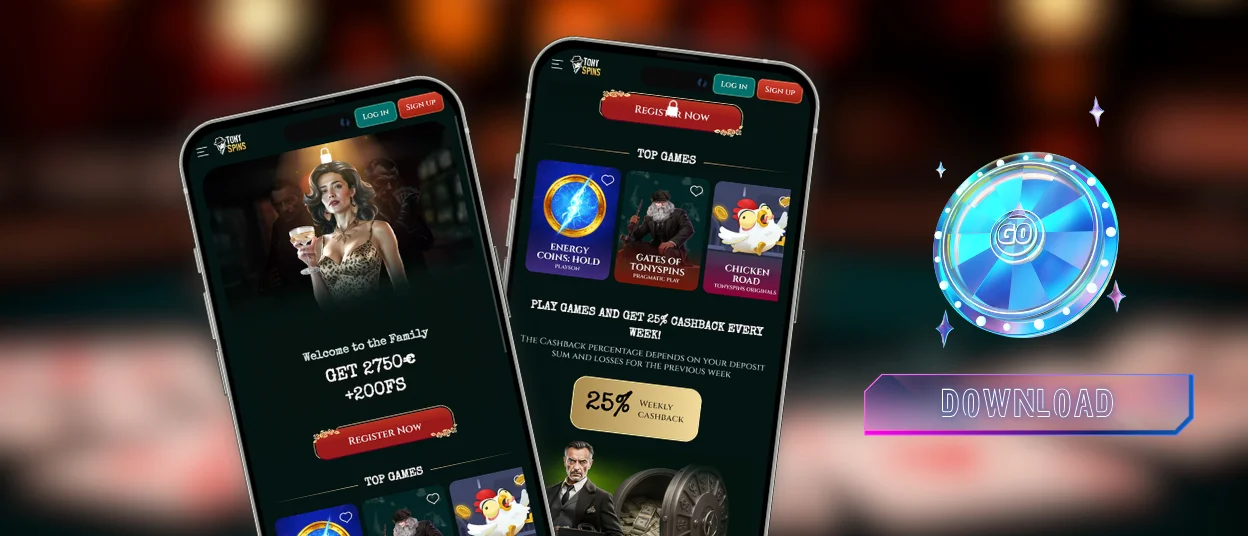
The Tonyspins mobile casino is built around touch from the ground up. Buttons, game controls, and navigation menus are sized and positioned for fingers, so moving between sections and placing bets feels natural on a phone screen. The layout adjusts to portrait and landscape depending on how you hold the device.
Everything available on desktop is accessible on mobile too. Your wallet, the verification process, active promotions, and live chat with our Support Team are all a tap away. Live dealer tables and certain online slots are richer on a larger screen, and longer sessions are more relaxed on a bigger display. For a quick gaming session or a few rounds of live casino, the Tony Spins mobile experience is fully capable.
Tonyspins on iOS
On iPhone and iPad, Tonyspins runs through Safari. Open the website, tap the Share button at the bottom of the screen, and select Add to Home Screen. The icon sits alongside your other apps, and tapping it opens the casino in a clean full-screen view with a proper app-like feel.
Safari on recent iOS versions handles Progressive Web Apps well. Page transitions are smooth, games load fast, and the overall experience matches what players expect from a natively installed app. The Tonyspins casino app on iOS is stable across the current iPhone and iPad lineup, with Apple’s tight Safari integration keeping performance consistent.
Tonyspins for Android
Chrome is the most reliable browser for the Tonyspins app on Android, and adding the shortcut to your home screen takes under a minute. Here is how to do it:
- Open the Tonyspins casino website in Chrome.
- Tap the three-dot menu in the top-right corner of the browser.
- Select Add to Home Screen from the menu that appears.
- Confirm the name and tap Add.
- The icon appears on your home screen and the app is ready to open.
The Tonyspins casino app runs well on Android 8.0 and later, with the best performance on Android 10 and above. Push notifications for bonus alerts and promotion updates work reliably on current Chrome versions. We recommend staying on a recent Chrome release to get the full gaming experience the app is designed to deliver.
Playing on Desktop
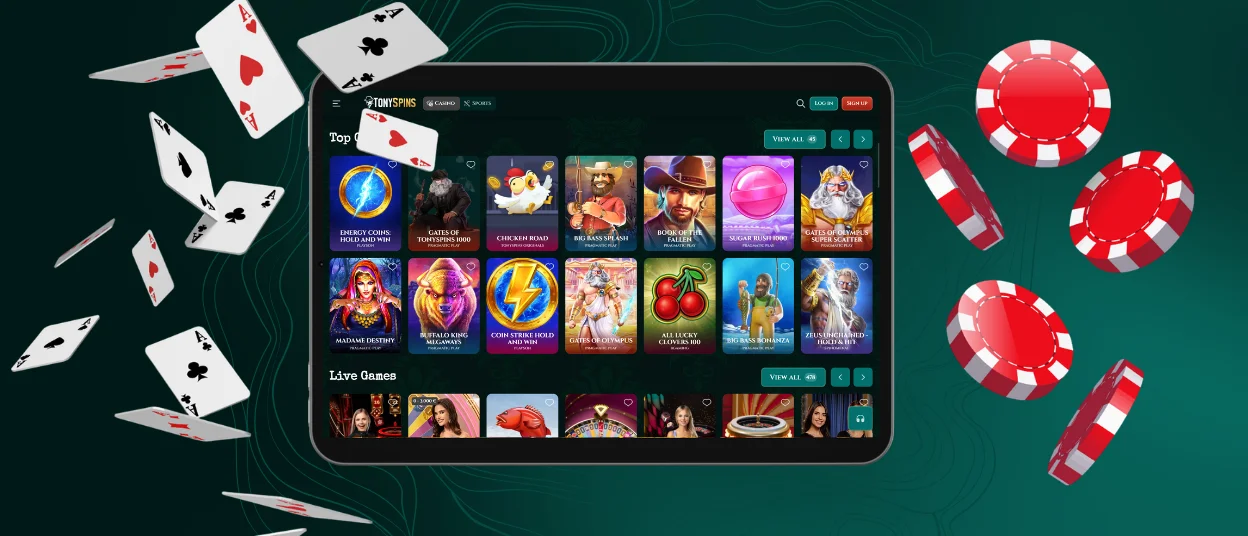
On Windows and macOS, you open Tony Spins in a browser and the full platform is ready to use. Chrome, Firefox, Safari, and Edge all load the casino straight away, and the Tonyspins casino is accessible within seconds of entering the address.
Desktop is worth choosing when the game type calls for it. Live casino tables look noticeably better on a larger screen – dealer video feeds, side-bet panels, and chat all display at full resolution with full clarity. Blackjack and roulette benefit from larger click targets, which makes placing bets faster and more precise. A stable wired connection or strong Wi-Fi keeps live streams running cleanly over a long session, and you can keep the Tonyspins casino open in one tab while using another alongside it.
How the Tonyspins PWA Works
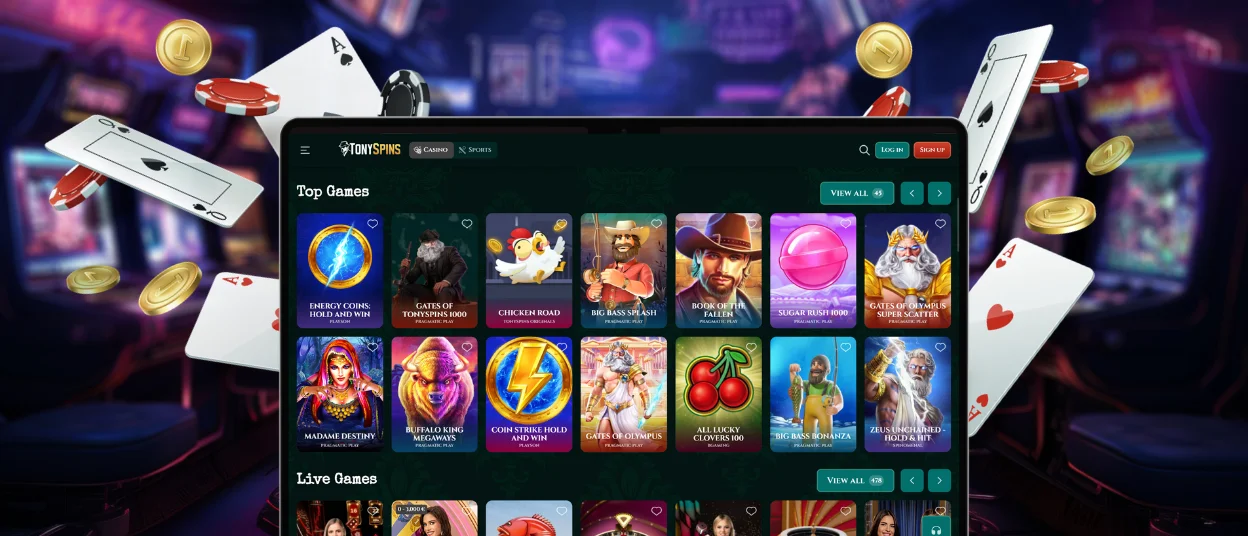
A Progressive Web App is a website that behaves like a native app once you add it to your home screen. The Tony Spins PWA loads through your browser, delivering a full-screen interface, home screen access, and push notifications through a simple browser session.
From a security standpoint, the PWA model has real advantages over traditional casino apps. The table below covers the main ones.
| Security Advantage | How It Protects You |
| Sandboxed browser environment | The PWA runs in a controlled browser context with access limited to what the session requires. Device-level resources like contacts or camera hardware stay outside that scope, which keeps the exposure from any potential breach contained. |
| Direct browser session access | Players connect through a verified browser session at all times. This removes the entire category of risk tied to installation packages, since the platform is delivered live from our servers rather than stored as a file on your device. |
| HTTPS encryption | Every exchange between your device and our servers runs over HTTPS. Account credentials, payment details, and session activity all travel under the same encryption layer from start to finish. |
| Automatic security updates | Patches and security improvements roll out on the server side. The next time you open the Tony Spins app, you are already on the current version, with all the latest protections active. |
On the practical side, the Tonyspins app always runs the current version because updates go live on our servers. Every time you open it, everything is already current, with zero action required on your end.
Players who use the Tony Spins app regularly get the same full feature set across every device:
- Online slots, live casino games, table games, and crash titles from the full game library
- Wallet access for deposits, withdrawals, and real-time balance tracking
- All active bonuses, ongoing missions, and tournament entries through the promotions section
- Live chat with the Support Team, available around the clock
- Account settings, the verification process, and responsible gaming controls
FAQ
Can I play live casino games on mobile at Tonyspins?
Live dealer games are fully available through the Tony Spins mobile app. The stream quality adjusts to your connection speed, so you get a stable picture on 4G, 5G, or Wi-Fi. All in-game controls are touch-ready, and the chat with the dealer and other players works the same way it does on desktop. A strong connection and a larger screen make longer live sessions more comfortable, and the mobile version handles all the same game types.
Does Tony Spins sync my session and balance across devices automatically?
Your Tonyspins account data – balance, bonus status, game history – is stored on our servers and reflects the current state regardless of which device you use. Switch from desktop to mobile mid-session, and your wallet shows the correct balance straight away. Logging in from a different device or browser keeps everything in your account exactly as you left it.
Can I use the same account on multiple devices?
Your Tonyspins account works across all devices you use. Log in on a phone, a tablet, or a desktop – your balance, active bonuses, and game history are all current wherever you open the Tony Spins app. There is no separate account needed for each device, and everything stays in sync automatically.


